
App Blocker
Control your child’s access to apps to keep them safe and focused on schoolwork
Try for Free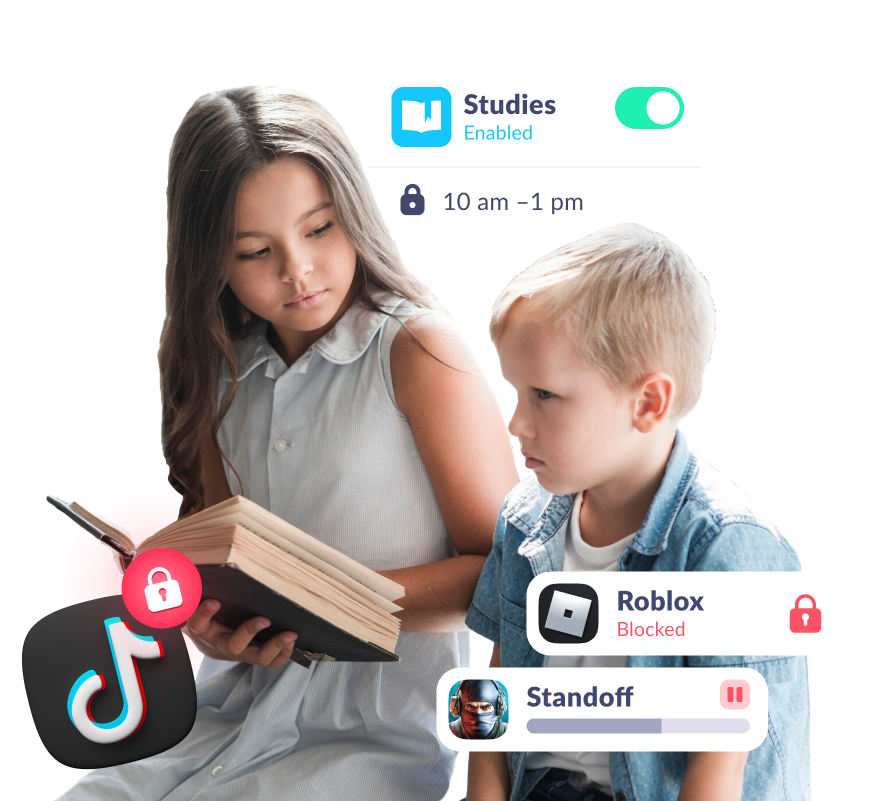
Manage Apps Your Way
Block Apps Individually or by Category
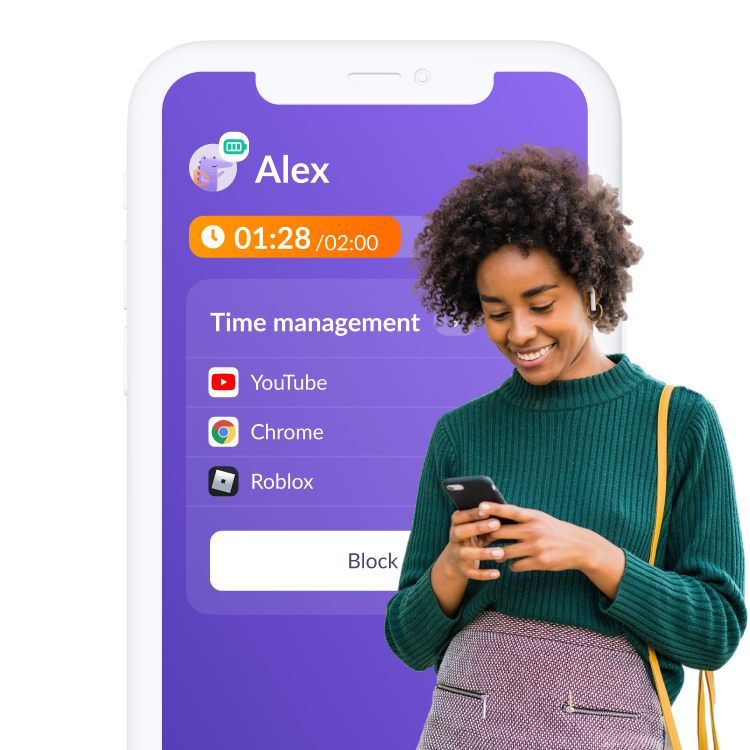
Block apps by category or individually. Set daily time limits to manage how long your child can use each app
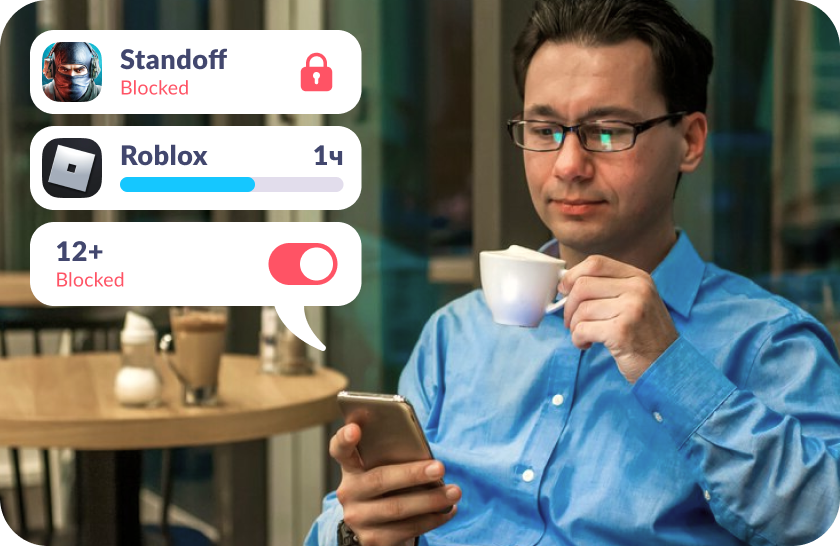
Block During Sleep and Study Times
Create a schedule to limit access to games and social media during sleep and study hours
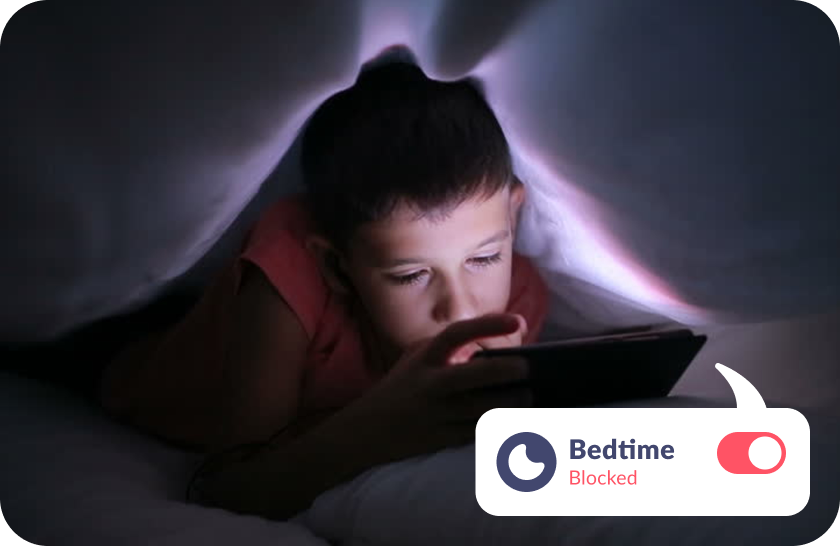
Block New App Downloads
Block New App DownloadsPrevent your child from downloading new games or unsafe apps without your permission (App Store or Google Play)
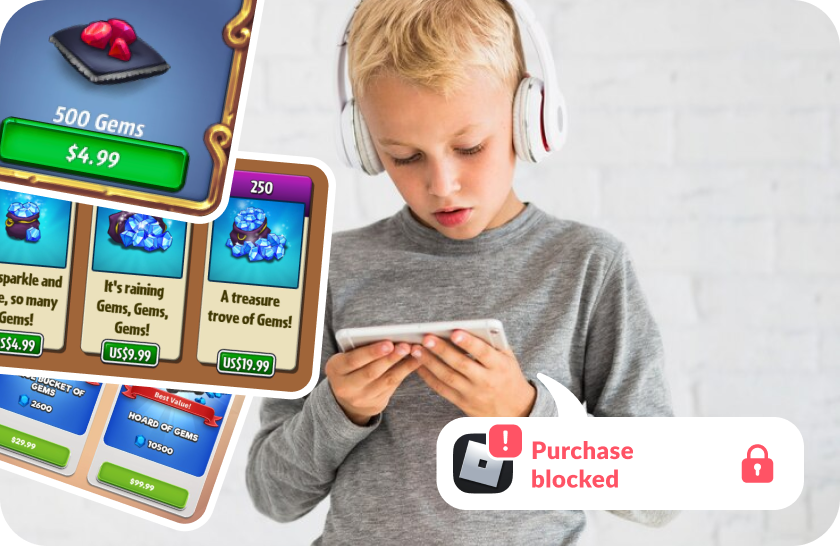
Block In-App Purchases
Stop unexpected spending on games, subscriptions, and in-app bonuses
Block Internet Access
Disable internet in selected apps to limit time spent on social media and online games

Let Your Child Earn Extra Screen Time Through Development
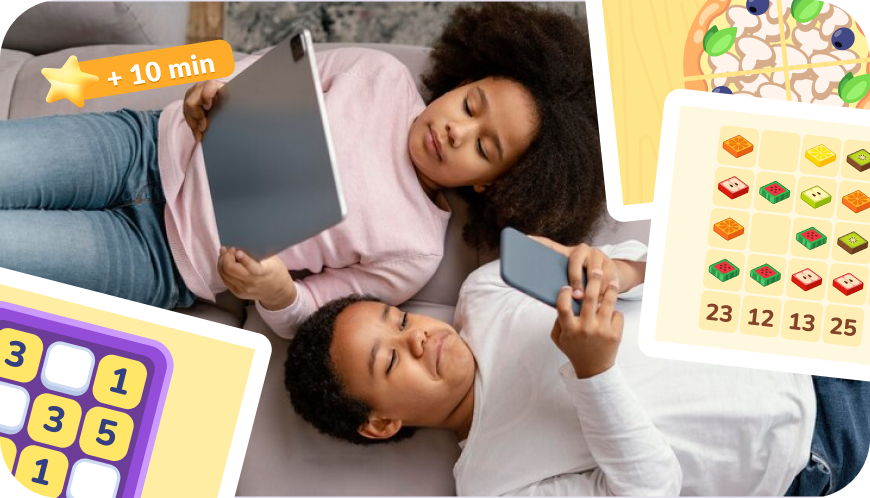
Your child can earn screen time by completing over 4,600 developmental tasks
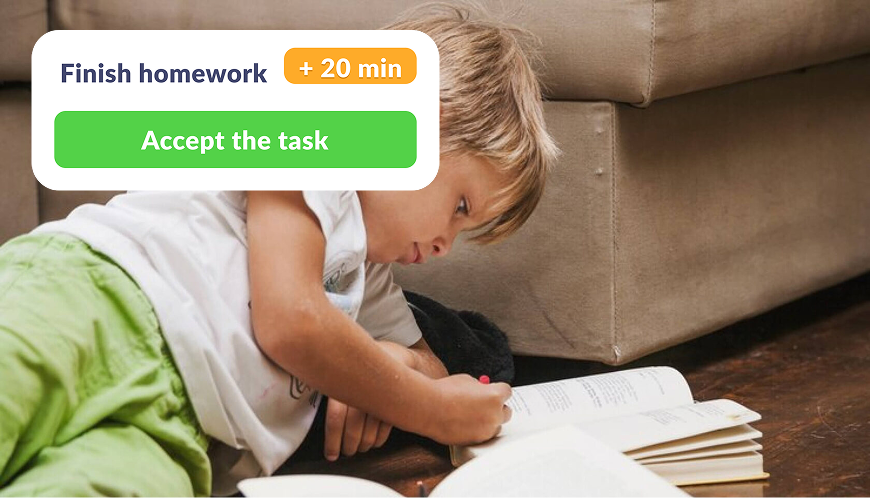
Create your own tasks and reward your kid with extra phone time added to their daily limit

Encourage physical health by rewarding screen time in exchange for exercise
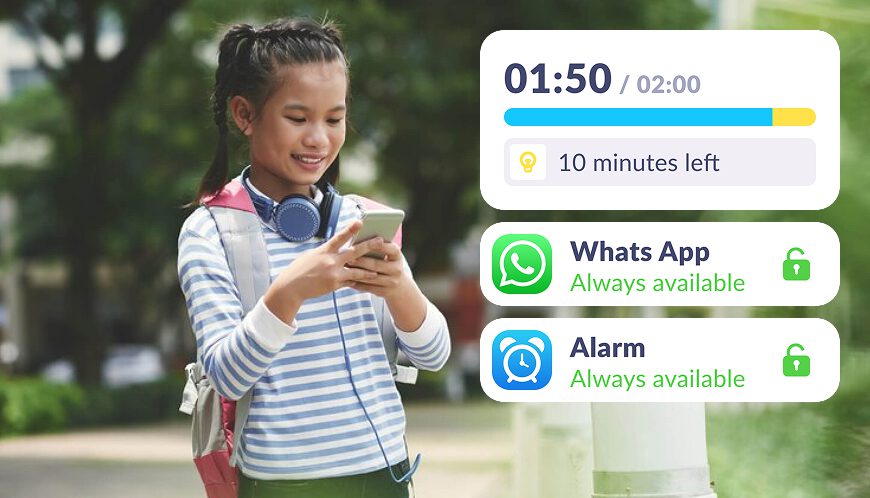
We notify them about their daily limit in apps, show usage statistics, and provide clear limits
Set Up App Blocker in Just 5 Minutes
Easy setup and user-friendly parental controls. Access any app function with just

Download the Kids360 app on your phone


Install the Alli360 app on your child’s phone
Surround your child with care

What Parents Are Saying







Install the First Parental Controls that Kids Enjoy!
Install Now6 148 265 parents have already downloaded Kids360
Frequently Asked Questions

With Kids360, you can easily block apps on your child’s phone (not desktop apps), preventing them from accessing specific apps or categories of apps that may distract them. Kids360 acts as an app blocker, allowing you to limit social media apps or any other app category. This app blocking app can be downloaded for free from both the Google Play Store and Apple App Store, making it accessible on a variety of mobile devices. Kids360 is popular among mobile users and millennials, who appreciate its versatility in controlling mobile app usage statistics and trends.
To disable the app blocker on Kids360, go to the settings within the app. Kids360 offers flexible options to manage app block features, making it easy to enable or disable blocking for certain apps or app categories. This flexibility is useful for parents who want to adjust control based on their child’s monthly usage. Kids360 also provides valuable insights into mobile app usage statistics, helping parents monitor usage rate, app purchases, and other aspects of app downloads across devices. You can easily download KIds360 for Google Play or App Store.
An app blocker like Kids360 is a tool designed to help parents control app usage on their child’s phone, block phone or desktop apps and set app limits. This free app blocker can block apps across various categories, including popular social media apps and games. Kids360 serves as an app to block apps and protect children from distractions while they use mobile devices. Kids360, available on both Google Play Store and Apple App Store, allows parents to view detailed mobile app usage statistics and manage app downloads, making it one of the most trusted app blockers on the market.
Kids360 provides an app blocker for iPhone that lets parents block apps, manage social media apps, and control app downloads to ensure safe and balanced app usage on their child’s device. Kids360, an app to block social media on a child’s phone, is designed to keep kids safe while using their phones. This app blocker app is easy to set up on iPhones through the Apple App Store, making it one of the preferred choices for Mobile app users looking for reliable apps that block other apps.
For Android users, Kids360 is an effective baby blocker app that helps parents block apps, monitor app category usage, and control in-app purchases on their child’s device. Kids360 serves as an apps blocker and is widely available on the Google Play Store, supporting Android phones and other mobile devices. With options to block child from downloading apps and features like app blocking apps and app category insights, Kids360 is ideal for mobile app users interested in setting clear boundaries for mobile app downloads and usage trends.