
App Usage Statistics
Stay informed about which apps your child uses, installs, and deletes on their device
Try for Free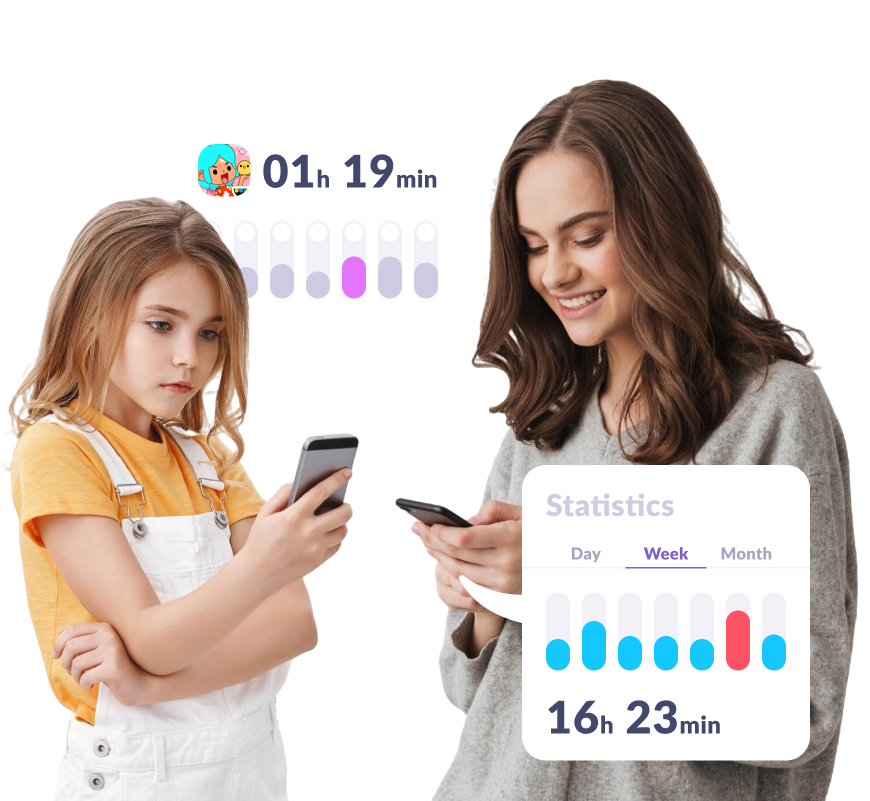
Stay Updated on Your Child’s Activity
Check Screen Time Statistics
View your child’s screen time in an easy-to-read dashboard, with data for any period — day, week, or month
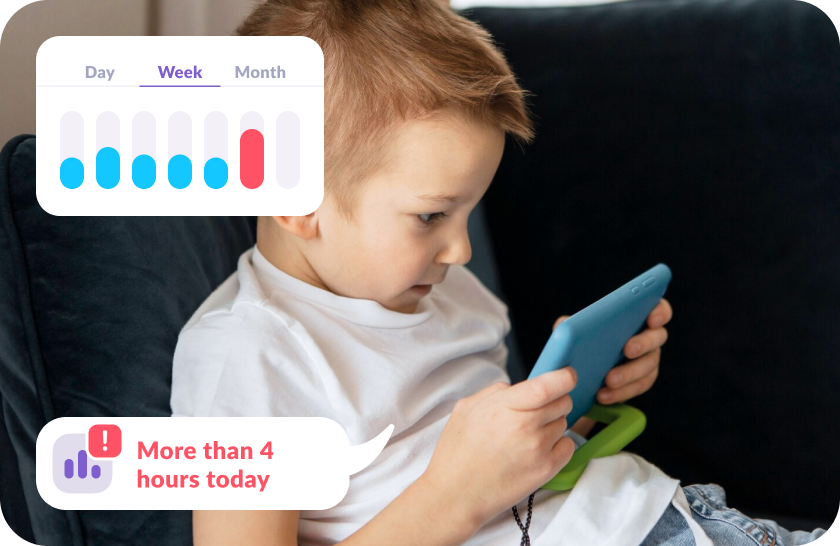
Discover Their Favorite Apps
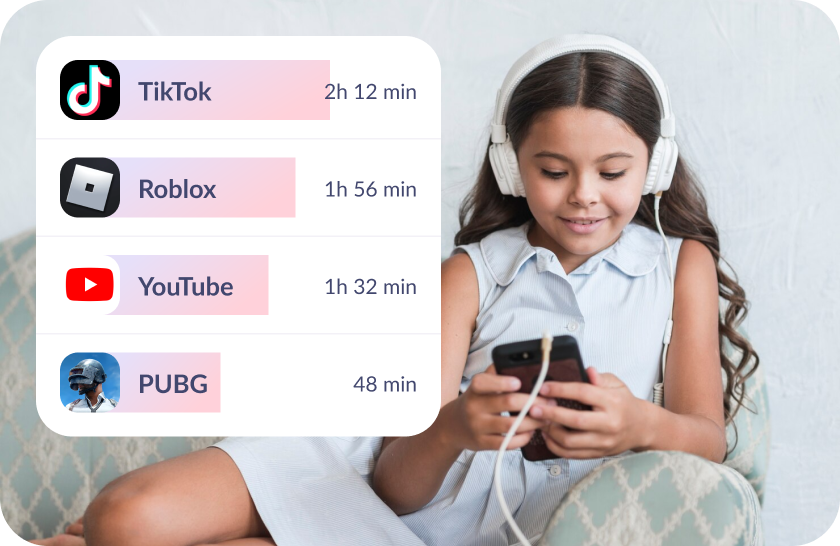
See which apps your child spends the most time on and how they’re using their screen time
Set Up App Activity Tracking in Just 5 Minutes
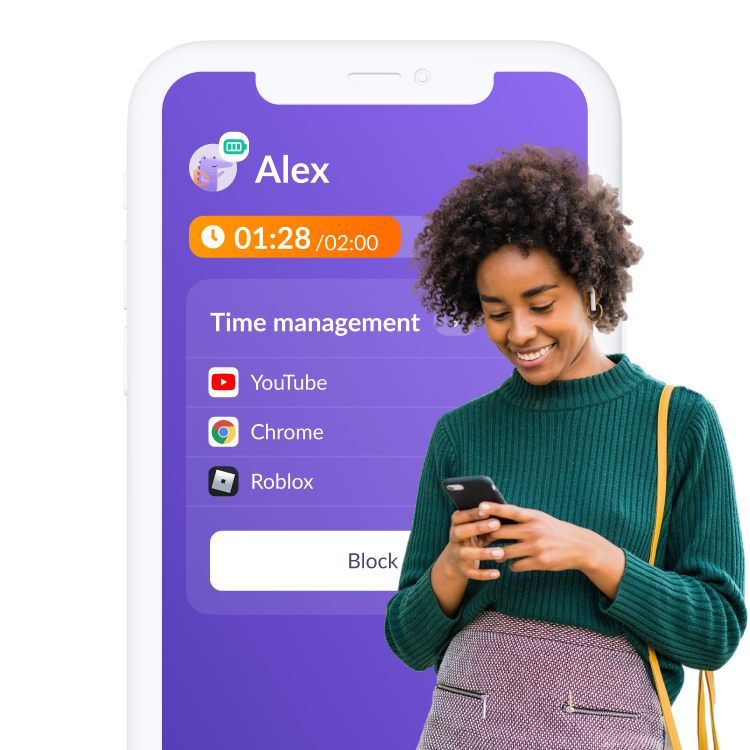
Easy setup and user-friendly parental controls. Access any app function with just

Download the Kids360 app on your phone


Install the Alli360 app on your child’s phone
Surround your child with care

What Parents Are Saying







Install the First Parental Controls that Kids Enjoy!
Install Now6 148 265 parents have already downloaded Kids360
Frequently Asked Questions

With the Kids360 app, you can easily access app usage statistics to monitor your child’s activity on their mobile devices. This feature provides insights into the time spent on different apps, helping you understand which app categories and popular categories your child prefers. Kids360 is available for both iPhone and Android devices, and it offers detailed mobile app usage statistics so you can see what apps are most frequently used. This data helps parents stay aware of their kids’ usage patterns and monitor trends over the month, allowing you to better manage their screen time. Kids360 is ideal for today’s market of parental control tools, providing a reliable way to keep track of mobile activity.
Kids360 provides android user activity data for parents who want to monitor their child’s app engagement reports android on phones running the Android operating system. By downloading Kids360 from the Google Play Store, you can track which app category your child uses most and view mobile app downloads and other details about their usage. Kids360 allows you to keep up with the latest trends in your child’s app usage, helping you manage screen time and usage more effectively, which is valuable for monitoring revenue-generating apps in popular categories.
Currently, Kids360 doesn’t support the ability to clear app activity metrics, as this information is intended to help parents maintain an ongoing view of their child’s app purchases, social media apps use, and general usage across mobile devices. However, you can always uninstall the app if you wish to reset the app usage analytics collected by Kids360. The data provided by the app is invaluable for parents looking to understand their child’s mobile app activity data across platforms like Apple App Store and Google Play Store, and for insights into the app behavioral data ios.
For kids and teens, monitoring app usage can be challenging due to the popularity of social media apps and videos, which are designed to engage users for extended periods. With Kids360, parents can help young mobile app users balance their screen time. This feature is especially beneficial for millennials who are now parents, as it lets them monitor app performance metrics ios on their child’s iPhone or iphone user activity data. Kids360 offers insights into usage that young users might not consider, helping establish healthy digital habits for Mobile users.
Kids360 enables parents to set screen time limits on their child’s phones by tracking app activity metrics and providing a comprehensive view of mobile app usage analytics on both Android and iOS. Simply download Kids360 from the app stores, such as the Google Play Store or the Apple App Store, to start setting limits based on ios app behavioral data or app application insights android. This tool is ideal for helping parents manage their child’s rate of app usage across different categories and limit excessive use in popular categories.