
Internet Safety
Stay informed about your child’s online activity and easily block inappropriate content
Try for Free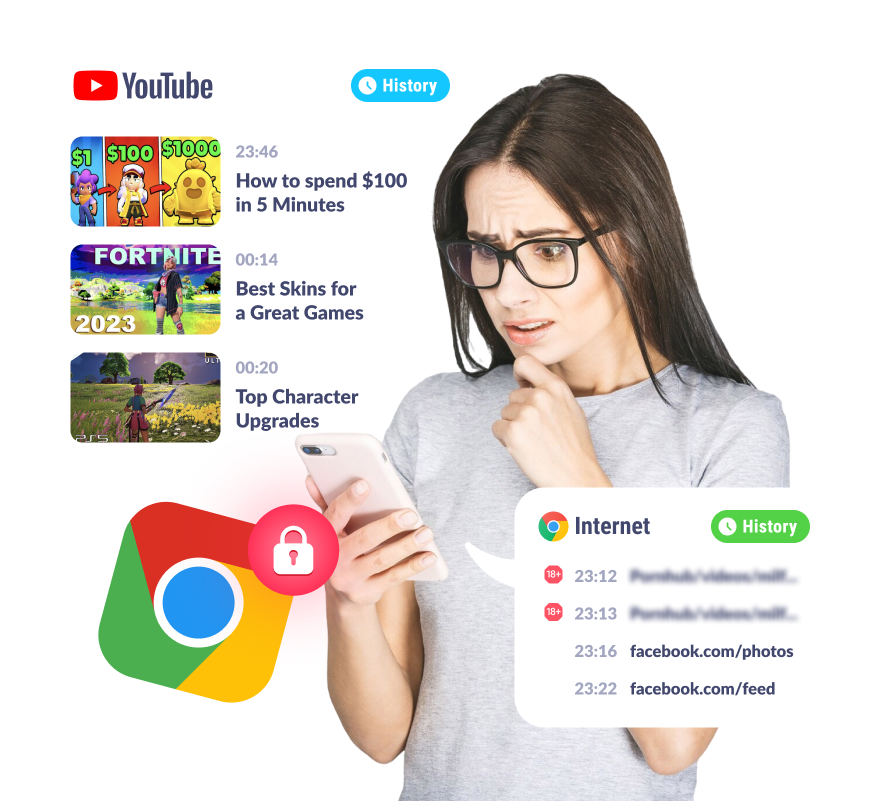
Activate Safe Internet
Check Search History
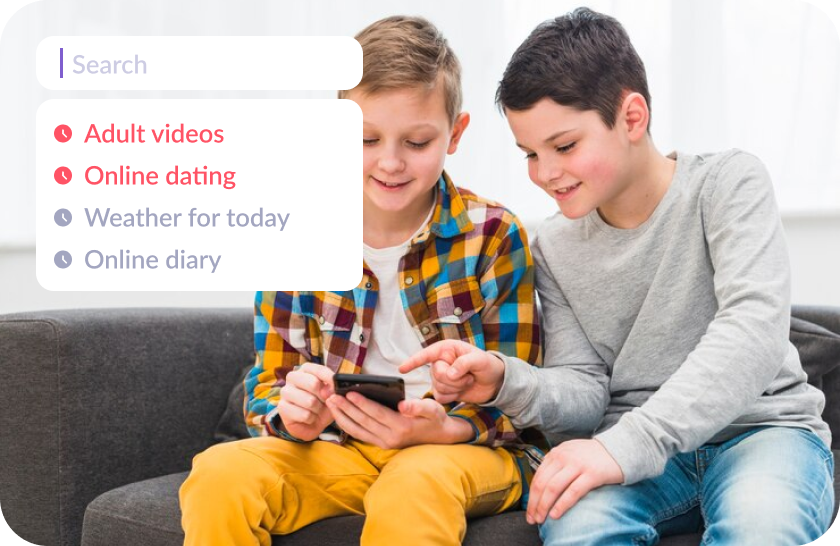
See what your child searches online to keep them safe from inappropriate content and promptly discuss their interests
Monitor what your child watches on YouTube
Track what your child watches on YouTube to support their healthy interests, protect them from unsuitable content

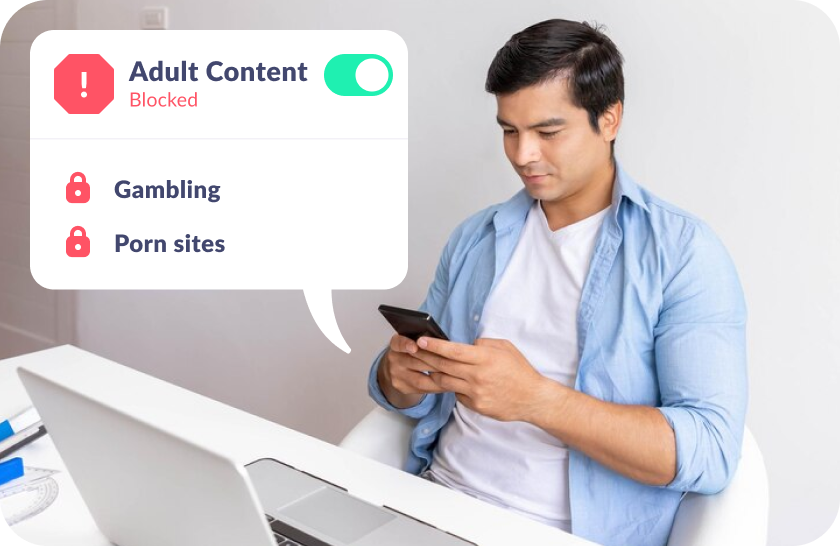
Block Adult Websites
Block inappropriate sites to shield your child’s mobile devices from harmful content and online risks
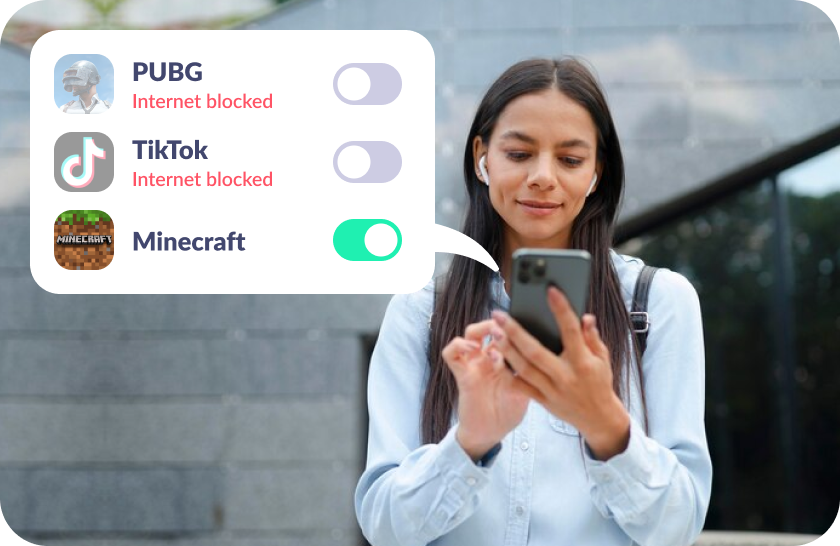
Turn Off Internet Access
Disable internet in selected apps to limit time spent on social media and online games
Let Your Child Earn Extra Screen Time Through Development

Your child can earn screen time by completing over 4,600 developmental tasks
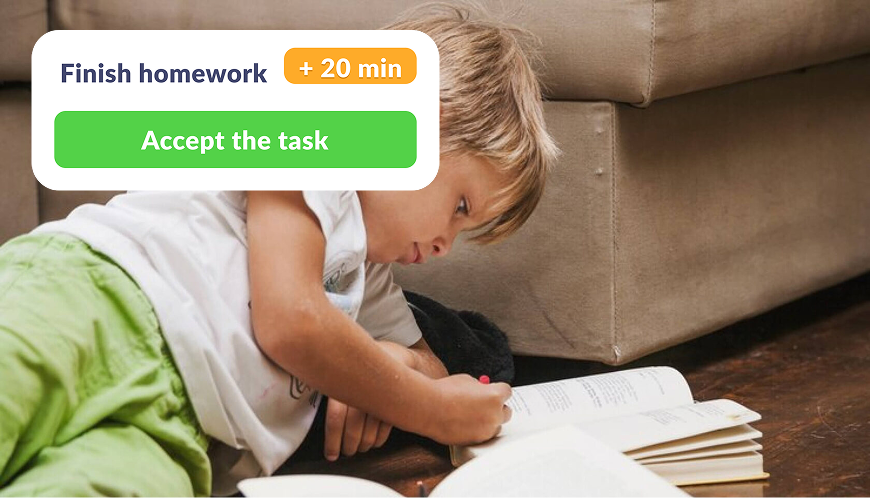
Create your own tasks and reward your kid with extra phone time added to their daily limit

Encourage physical health by rewarding screen time in exchange for exercise
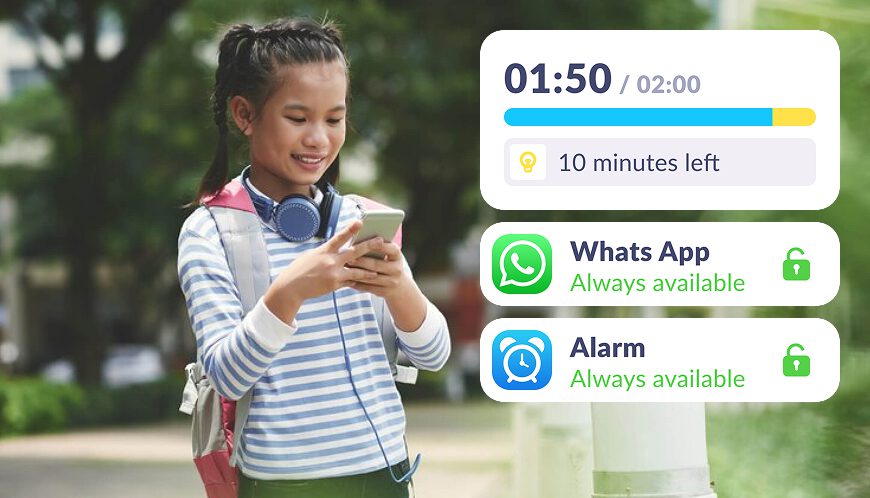
We notify them about their daily limit in apps, show usage statistics, and provide clear limits
Set Up Safe Internet in Just 5 Minutes
Easy setup and user-friendly parental controls. Access any app function with just

Download the Kids360 app on your phone


Install the Alli360 app on your child’s phone
Surround your child with care

What Parents Are Saying








Install the First Parental Controls that Kids Enjoy!
Install Now6 148 265 parents have already downloaded Kids360
Learn more about Kids360 parental control!
Frequently Asked Questions

Internet safety for kids involves keeping young people protected while they explore the online world. It means creating a safer web environment where school-age children can browse cool websites, play safe kids games, and avoid inappropriate content. The Kids360 app is designed to ensure online safety for children by monitoring their activity, blocking harmful websites, and promoting safe sharing habits. With Kids360, parents can help their kids stay safe online and develop a healthy understanding of online safety.
To help keep kids safe online, here are some essential tips: use privacy settings to control who can see their information, avoid sharing personal information, and play only school-appropriate games. Encouraging open communication with children about their online activities can also empower internet safety. Kids360 supports parents in teaching these rules of the internet by providing tools to monitor and limit online activity, ensuring that kids interact with age appropriate content and stay safe.
Internet safety is crucial for kids because it helps protect their personal information and keeps them safe from harmful content and interactions. Young people often lack the experience to recognize online dangers, so parental guidance is essential. Kids360 offers features that let parents set internet rules, block inappropriate content, and ensure a safer web experience. With Kids360, children can safely explore the internet and learn to balance real world values with online interactions.
Online safety is vital for children as it safeguards their private information and prevents exposure to inappropriate content. Kids360 helps create a safe online environment by giving parents control over their children’s internet access. This allows kids to explore interesting websites and engage in safe kids games without risking their online or real life security and sharing personal details. Kids360 is an ideal tool to keep kids safe online by promoting responsible internet use and protecting them from digital threats.
Some essential internet rules for kids include keeping personal information private, only using age-appropriate and school-appropriate games, staying away from unknown websites and apply privacy settings. Parents should also teach online etiquette and encourage children to ask before sharing anything online for their social security. Kids360 makes it easier to enforce these internet safety rules by allowing parents to monitor online activity, block certain sites, and help their kids understand the importance of being safe and making responsible choices online.