
Location Tracking
Always know where your child is, so you can be there when they need you
Try it for Free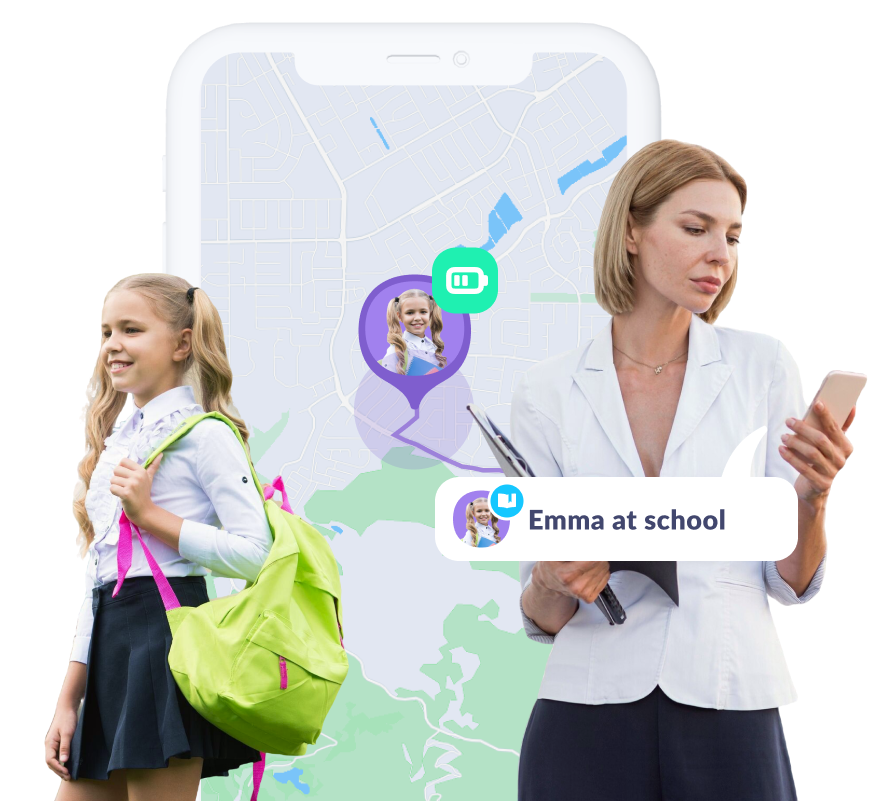
Stay Informed
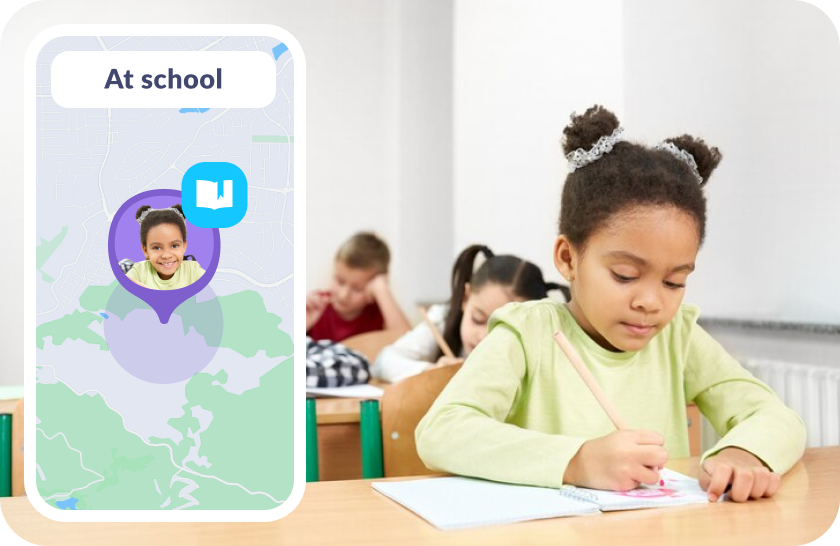
Track Precise Location on the Map
Know where your child is with real-time location updates on the map
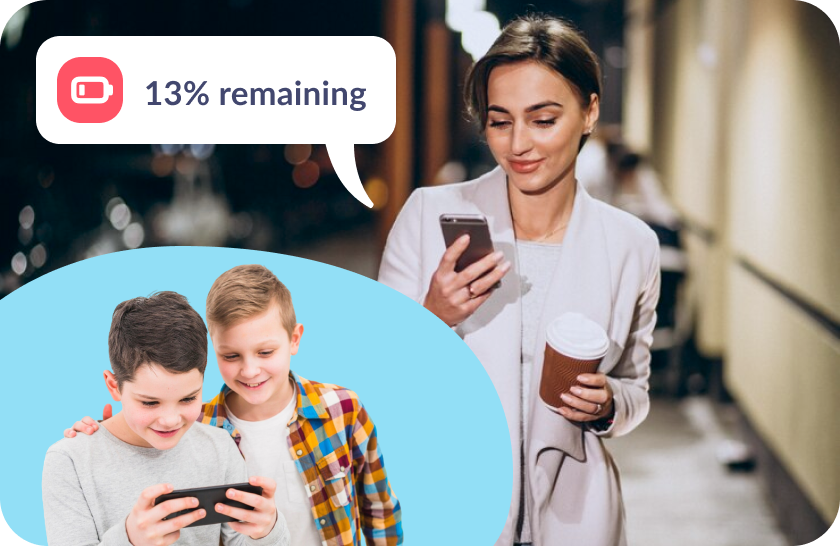
Check Battery Status
Stay connected and make sure your child’s phone doesn’t run out of battery out when it matters most
Let Your Child Earn Extra Screen Time Through Development
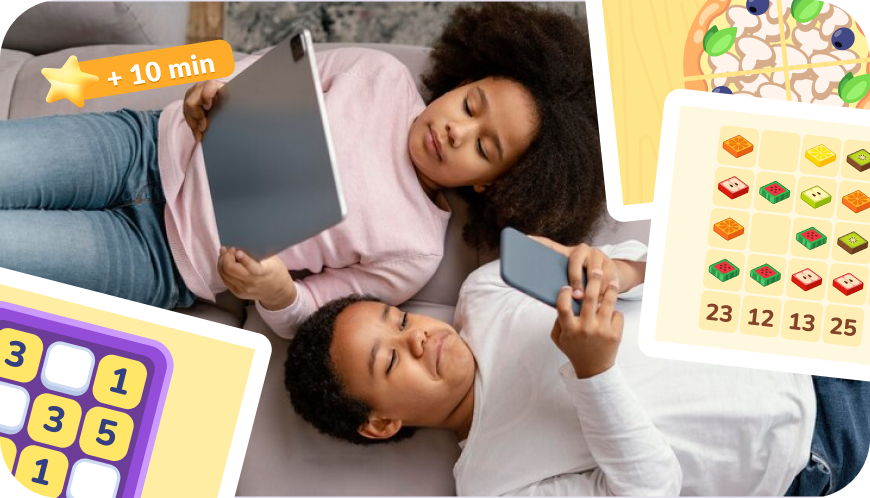
Your child can earn screen time by completing over 4,600 developmental tasks
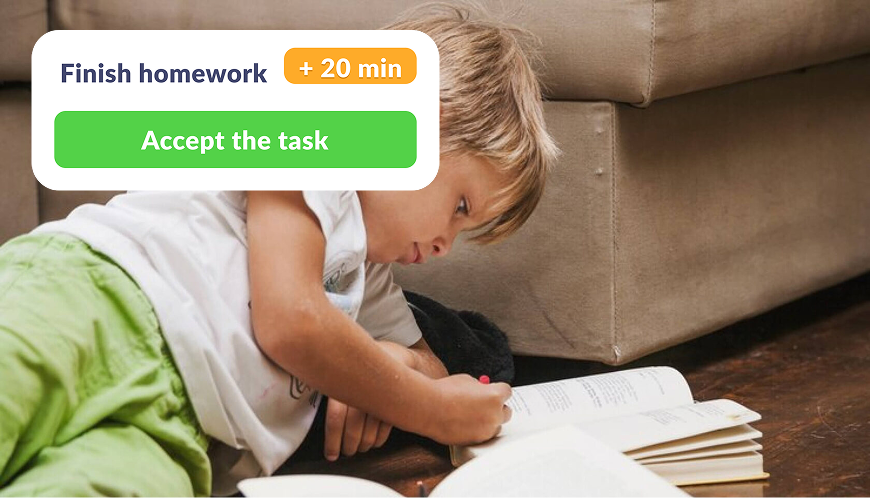
Create your own tasks and reward your kid with extra phone time added to their daily limit
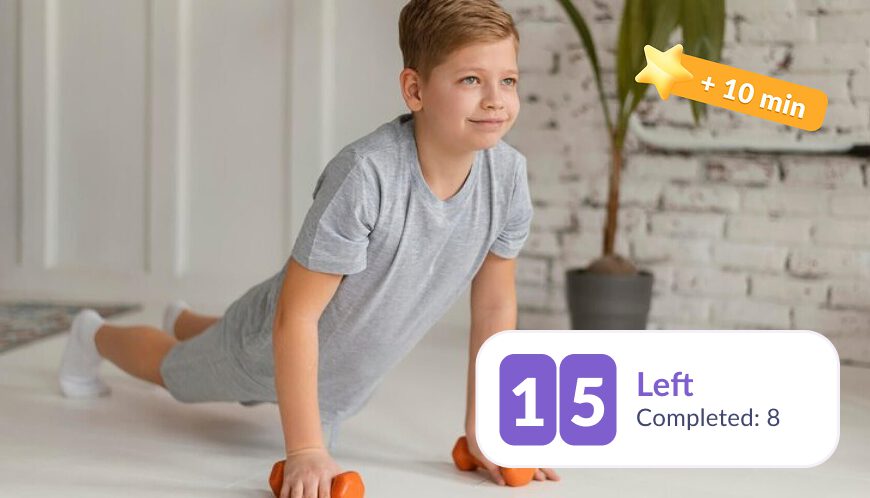
Encourage physical health by rewarding screen time in exchange for exercise
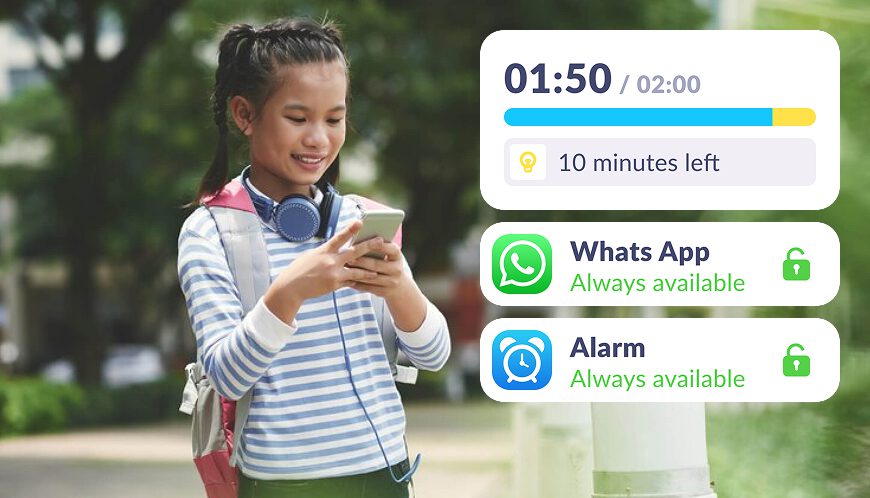
We notify them about their daily limit in apps, show usage statistics, and provide clear limits
Set Up GPS tracking Just 5 Minutes
Easy setup and user-friendly parental controls. Access any app function with just

Download the Kids360 app on your phone


Install the Alli360 app on your child’s phone
Surround your child with care

What Parents Are Saying







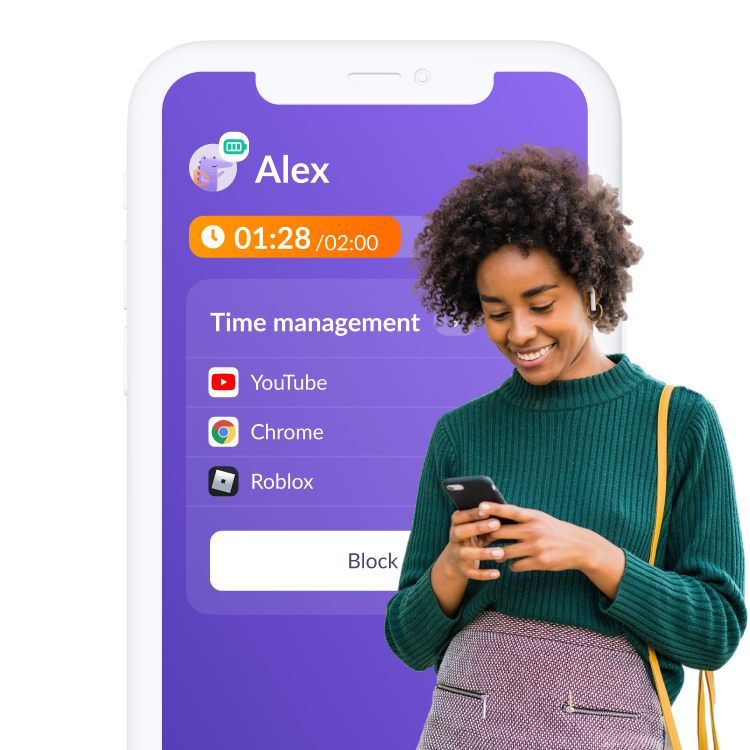
Install the First Parental Controls that Kids Enjoy!
Install Now6 148 265 parents have already downloaded Kids360
Frequently Asked Questions

Kids360 is the best GPS tracking app for families who want to ensure their child’s safety. This real-time tracking movement app allows parents to monitor their child’s movements and get current locations in a user-friendly interface. Whether you’re looking for a free location monitoring app or an advanced application, Kids360 is a top choice for place tracking needs.
Location tracking is a feature that allows parents to monitoring their child’s location through their phone. Apps like Kids360 work as a location tracking app by providing real-time updates and showing the tracked device on a map. It’s a great tool for families to stay connected and ensure their child’s safety.
Kids360, a real time location app, uses GPS and maps to track the spot where the child is located. The tracker in the app displays the child’s position on google maps, providing parents with the perfect tool for monitoring. This software is ideal for parents wanting family geospatial tracking app functionality on both Android and iOS devices.
If you wish to stop movement tracking temporarily, you can do this in the settings of the Kids360 application. This app for tracking location provides easy options to turn off the real-time location app when not needed. Simply go to the apps settings and adjust the preferences to pause tracking.
To stop area monitoring on an iPhone with Kids360, go to the device’s settings and manage permissions for the tracking location app. This app route tracking feature can be paused or restricted, offering flexibility in trace functions. Kids360 is a good option for iSharing data, similar to isharingsoft and lystloc, but with enhanced family locator tools.