
Loud Signal
Your child will hear their phone even if it’s on silent. Stay connected at all times
Try for Free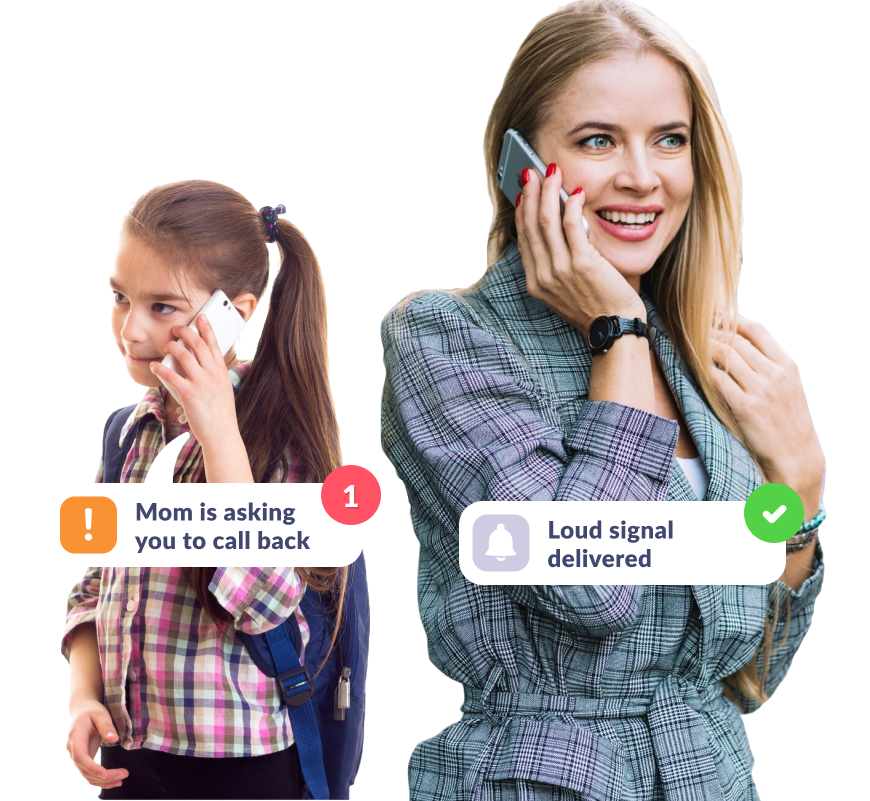
Make Sure Your Child Hears the Phone
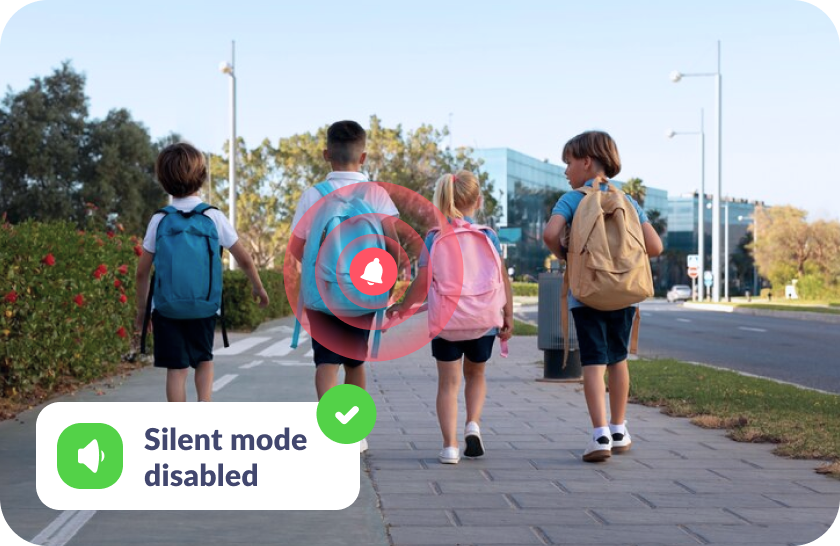
If They Forgot to Turn Off Silent Mode
The loud signal you send will reach your child even if their phone is on silent
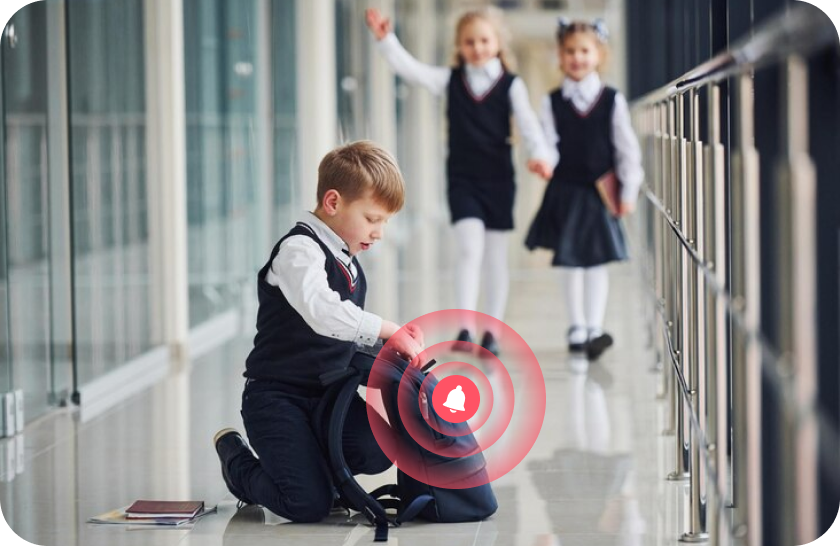
If They’ve Misplaced the Phone
Easily locate their phone with a loud sound — whether it’s at home, school, or outside
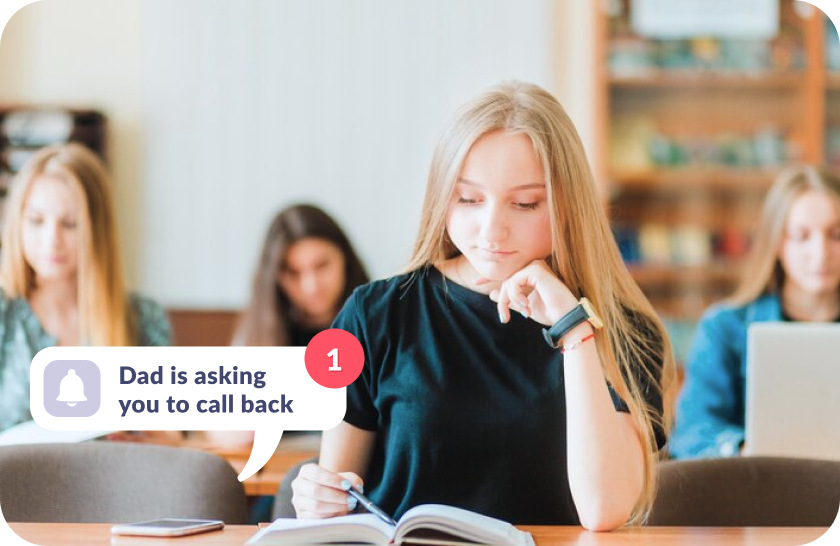
If They Don’t Hear Your Call
Grab their attention as the ringtone gradually increases to maximum volume

No Stress for Your Child
The signal gently gets louder, sounding like a regular ringtone, and can be easily turned off if it disrupts their studies
Set Up the Loud Signal in Just 5 Minutes
Easy setup and user-friendly parental controls. Access any app function with just

Download the Kids360 app on your phone


Install the Alli360 app on your child’s phone
Surround your child with care

What Parents Are Saying







Install the First Parental Controls that Kids Enjoy!
Install Now6 148 265 parents have already downloaded Kids360
Learn more about Kids360 parental control!
Frequently Asked Questions

With the Kids360 app, you can use the “Loud Signal” feature to make your child’s phone ring loudly, even if it’s set to silent. This feature is ideal when you need to reach your child urgently or want to ensure they hear the notification. Simply open Kids360, select the “Loud Signal” option, and their phone will play a loud sound to grab their attention.
Kids360 offers a convenient solution with its “Loud Signal” feature, which allows you to make your child’s phone ring loudly even when it’s on silent mode. This feature is especially useful if your child has missed your calls or if you need to contact them in a situation where they might not hear their phone otherwise. Just activate the “Loud Signal” in Kids360, and the phone will sound, overriding the silent mode.
The frequency of calls is a personal choice and may depend on each family’s needs. Kids360, however, provides helpful features that allow you to check your child’s activity and ensure their safety without frequent calls. Features like location tracking and app usage monitoring mean that parents can stay informed without needing to call constantly. For urgent situations, you can always use the “Loud Signal” feature to reach your child immediately.
With Kids360, you can “ping” your child’s phone using the “Loud Signal” feature. This sends a loud sound to their device, even if it’s on silent, helping you get their attention when needed. Open the Kids360 app, select the “Loud Signal,” and the phone will emit a loud tone, ensuring your child notices the alert.
Kids360’s “Loud Signal” feature is designed to send a loud alert to your child’s phone when you need to reach them urgently. By activating this feature in Kids360, you can make their phone ring loudly, even if it’s on silent mode. This is particularly useful in scenarios where a regular call might go unnoticed.