
Screen Time Limits
Monitor your child’s screen time, set schedules and daily time limits, and encourage smart usage
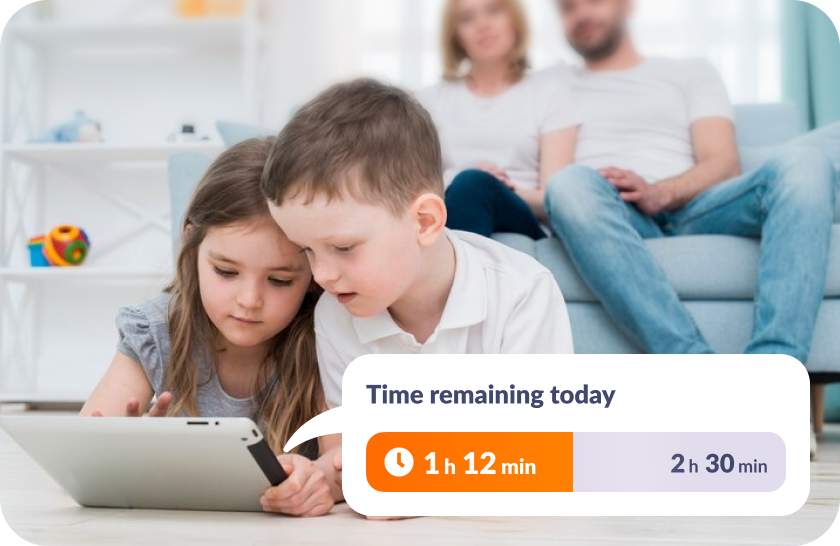
Manage Your Child’s Daily Limit
Set Daily Screen Time Limits
Decide how much time your child can spend on their device each day. Once the time is up, the device will lock up, but essential communication apps will remain accessible
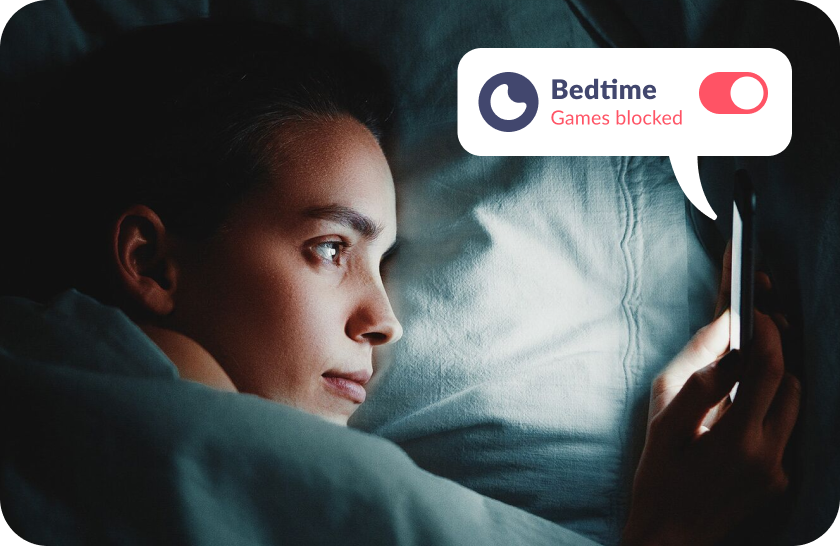
Create Schedules
Block unnecessary apps at specific times. For example, set up downtime schedules to limit access to games and social media during sleep or study hours
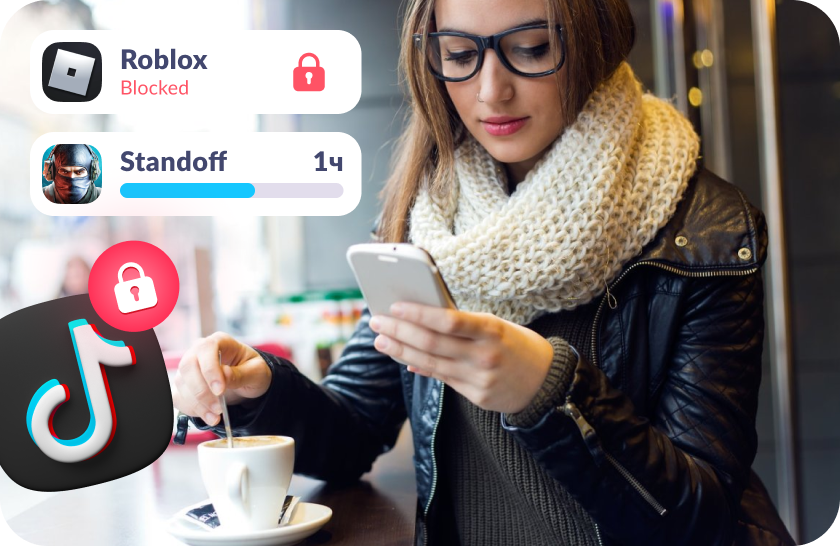
Block Apps
Block apps individually or by category. Set how much time your child can spend on each app daily
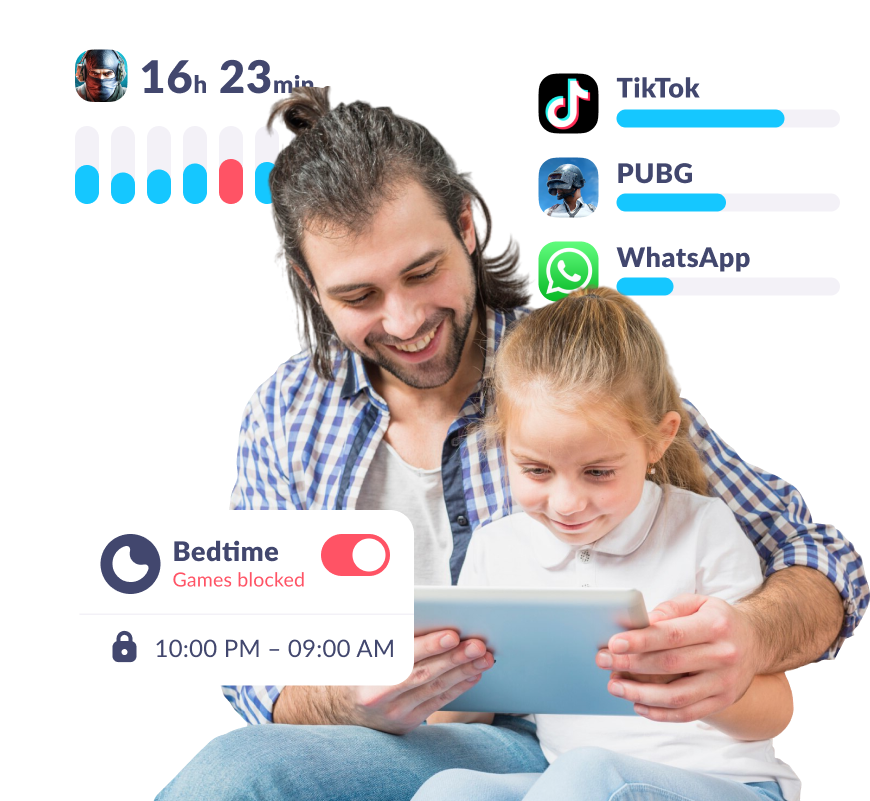
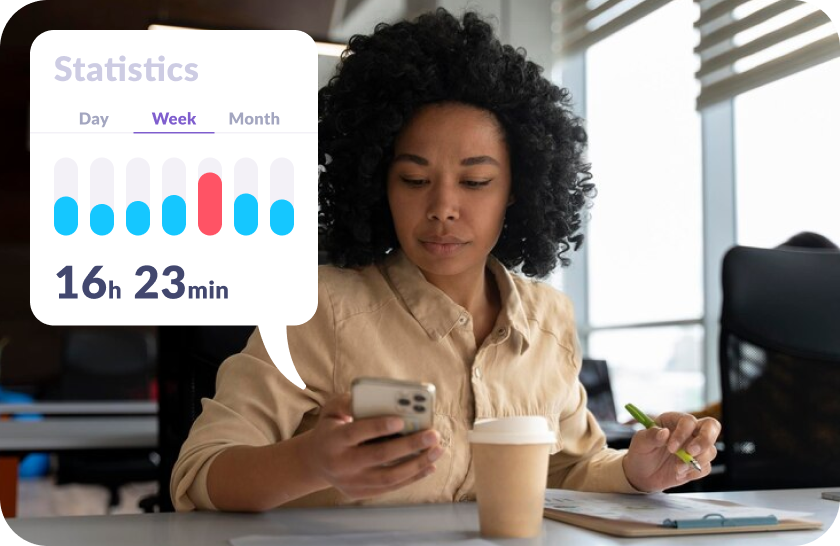
Receive Daily Reports
Track the apps your child uses, how many hours per day, installs, and deletes from their device
Let Your Child Earn Extra Screen Time Through Development
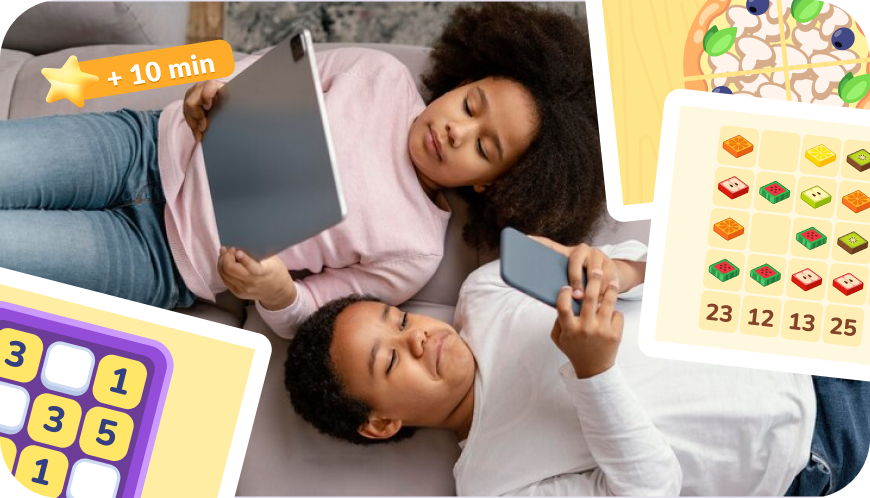
Your child can earn screen time by completing over 4,600 developmental tasks
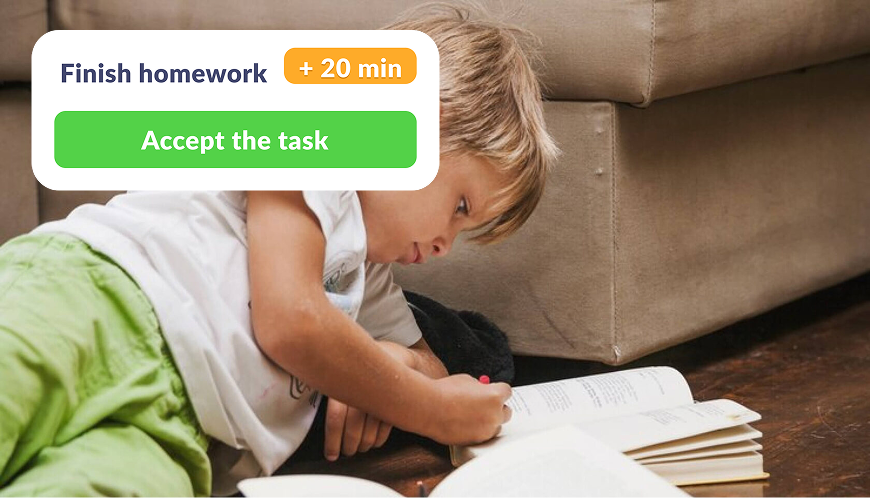
Create your own tasks and reward your kid with extra phone time added to their daily limit

Encourage physical health by rewarding screen time in exchange for exercise
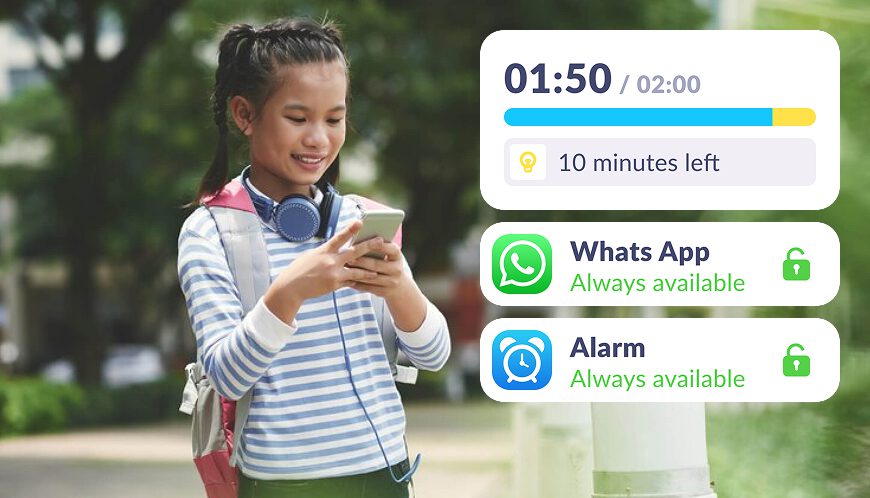
We notify them about their daily limit in apps, show usage statistics, and provide clear limits
Set Screen Time Limits in Just 5 Minutes
Easy setup and user-friendly parental controls. Access any app function with just

Download the Kids360 app on your phone


Install the Alli360 app on your child’s phone
Surround your child with care

What Parents Are Saying







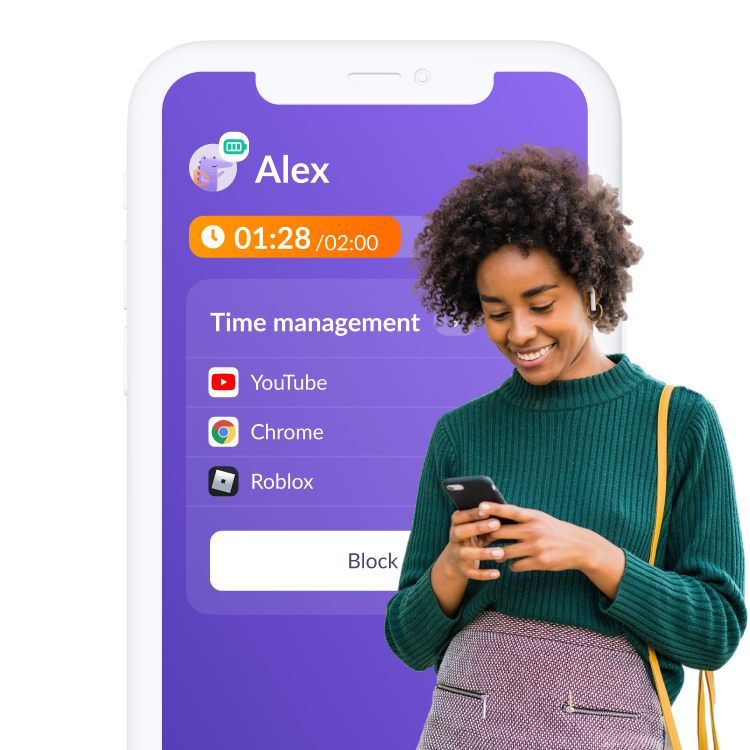
Install the First Parental Controls that Kids Enjoy!
Install Now6 148 265 parents have already downloaded Kids360
Frequently Asked Questions

Screen time refers to the amount of time spent using electronic devices like phones and tablets. With the Kids360 app, parents can manage and limit screen time, helping their children enjoy more real-life activities like playing outdoors and spending quality time with family.
Using the Kids360 app, parents can easily check their child’s time on screens across all connected electronic devices. The app provides a clear overview of screen usage, making it easier to ensure a healthy balance between digital time and other important activities.
You can use Kids360 to set limits or completely turn off screen time limits for your child’s devices. The app allows parents to block devices or apps for sleep or study periods, ensuring there is enough time for kids to focus on real-life interactions and activities
Kids360 automatically tracks and reports average screen time, giving parents insights into their child’s daily usage. This helps manage excessive screen time and encourages more quality time away from electronic devices.
Experts recommend limiting teens’ screen time to 2−3 hours per day, excluding schoolwork. The Kids360 app can help parents manage and set these limits to avoid excessive screen time and ensure their children have enough time for children to enjoy real-life activities.