
Signal fort
Votre enfant entendra son téléphone même s’il est en mode silencieux. Restez connecté à tout moment
Essayez-le gratuitement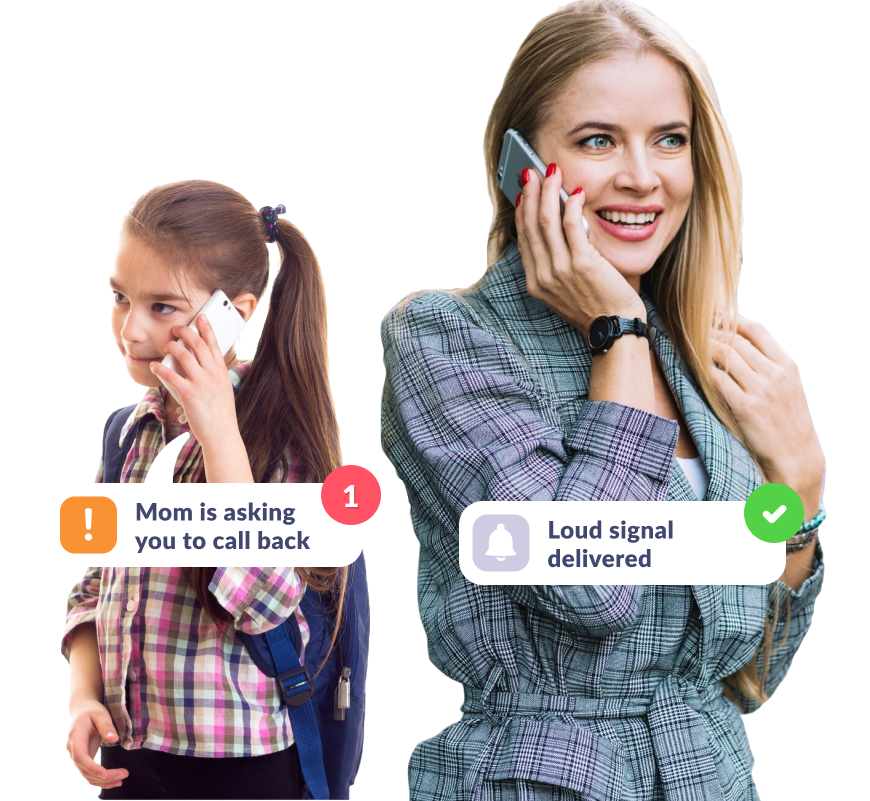
Assurez-vous que votre enfant entende le téléphone
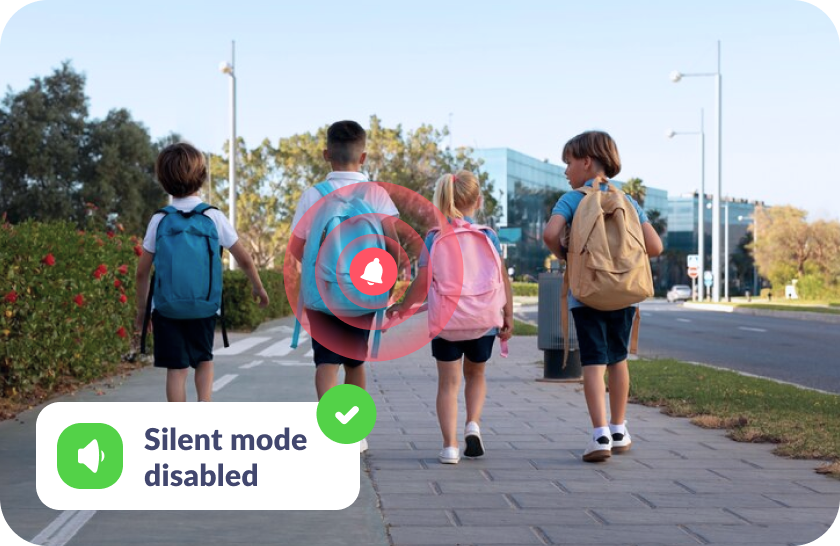
S’il a oublié de désactiver le mode silencieux
Le signal fort que vous envoyez atteindra votre enfant même si son téléphone est en mode silencieux.
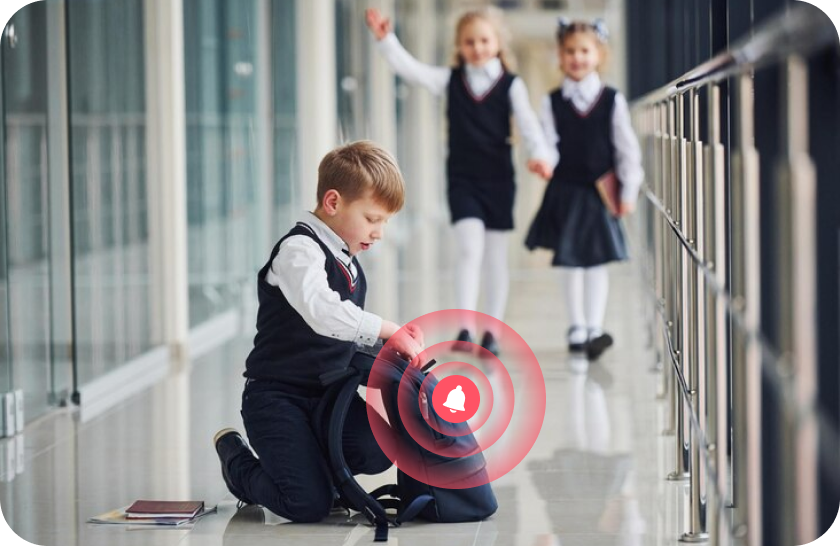
S’il a égaré son téléphone
Localisez facilement son téléphone à l’aide d’un son puissant, que ce soit à la maison, à l’école ou à l’extérieur.
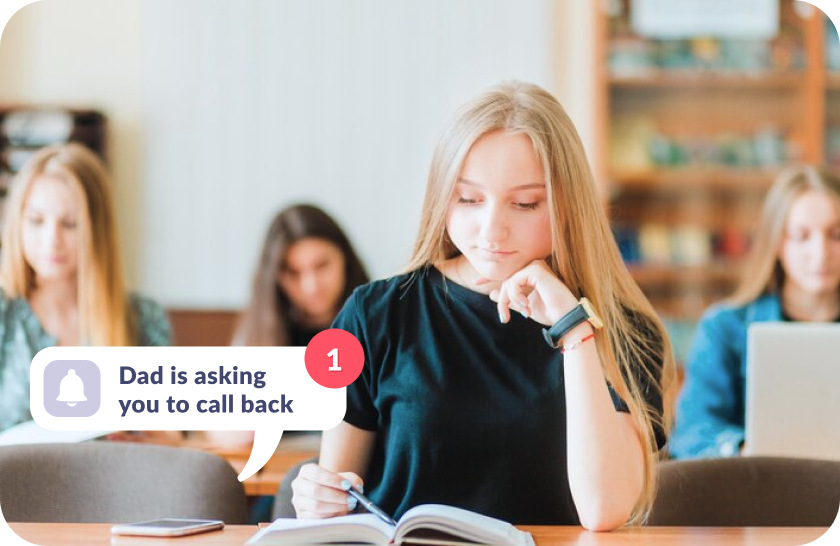
S’il n’entend pas votre appel
Attirez son attention lorsque la sonnerie augmente progressivement jusqu’au volume maximum.

Pas de stress pour votre enfant
Le signal s’intensifie doucement, comme une sonnerie normale, et peut être facilement désactivé s’il perturbe les études de l’enfant.
Configurer le signal sonore en seulement 5 minutes
Configuration facile et interface conviviale. Accédez à n’importe quelle fonction de l’application en un seul clic !

Téléchargez l’application Kids360 sur votre téléphone


Installez l’application Alli360 sur le téléphone de votre enfant
Protégez votre enfant !

Ce que disent les parents







Installez le premier contrôle parental que les enfants apprécient !
Télécharger Kids3606 148 265 parents ont déjà téléchargé Kids360
Questions fréquemment posées

With the Kids360 app, you can use the « Loud Signal » feature to make your child’s phone ring loudly, even if it’s set to silent. This feature is ideal when you need to reach your child urgently or want to ensure they hear the notification. Simply open Kids360, select the « Loud Signal » option, and their phone will play a loud sound to grab their attention.
Kids360 offers a convenient solution with its « Loud Signal » feature, which allows you to make your child’s phone ring loudly even when it’s on silent mode. This feature is especially useful if your child has missed your calls or if you need to contact them in a situation where they might not hear their phone otherwise. Just activate the « Loud Signal » in Kids360, and the phone will sound, overriding the silent mode.
The frequency of calls is a personal choice and may depend on each family’s needs. Kids360, however, provides helpful features that allow you to check your child’s activity and ensure their safety without frequent calls. Features like location tracking and app usage monitoring mean that parents can stay informed without needing to call constantly. For urgent situations, you can always use the « Loud Signal » feature to reach your child immediately.
With Kids360, you can « ping » your child’s phone using the « Loud Signal » feature. This sends a loud sound to their device, even if it’s on silent, helping you get their attention when needed. Open the Kids360 app, select the « Loud Signal, » and the phone will emit a loud tone, ensuring your child notices the alert.
Kids360’s « Loud Signal » feature is designed to send a loud alert to your child’s phone when you need to reach them urgently. By activating this feature in Kids360, you can make their phone ring loudly, even if it’s on silent mode. This is particularly useful in scenarios where a regular call might go unnoticed.