
Sinyal Keras
Anak akan mendengar suara ponsel mereka meskipun ponsel dalam mode hening — tetap terhubung setiap saat
Coba Gratis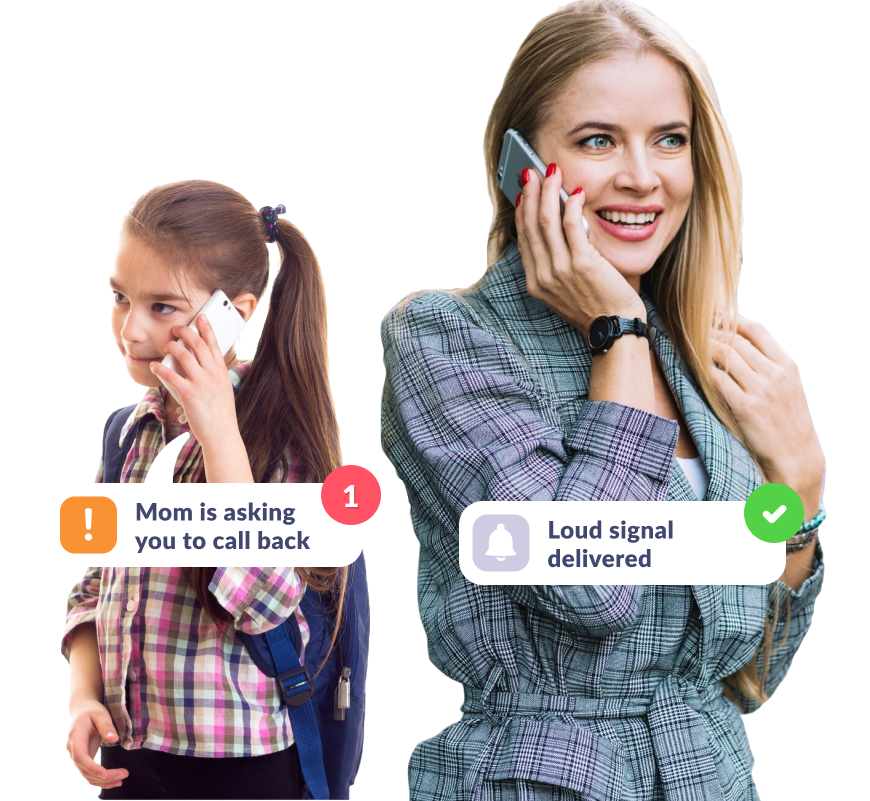
Pastikan Anak Mendengar Suara Ponsel
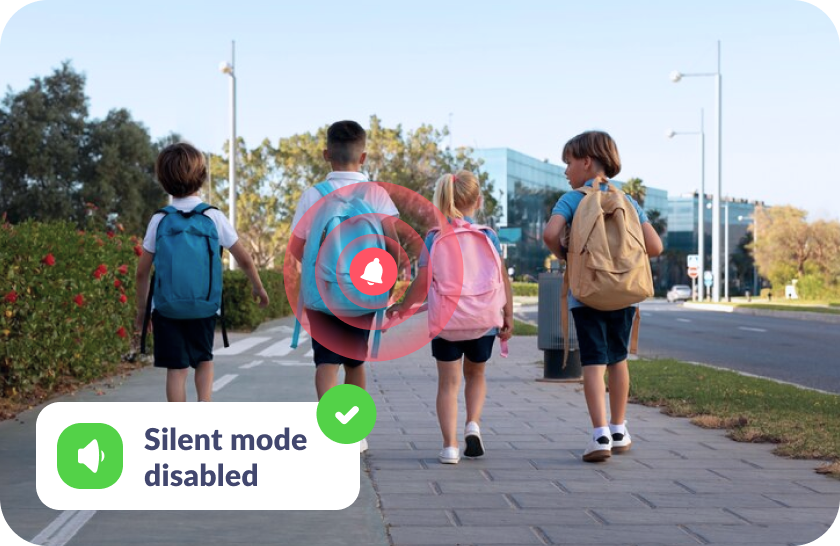
Jika Anak Lupa Mematikan Mode Hening
Sinyal keras yang Anda kirimkan akan didengar anak meskipun ponsel mereka dalam mode hening.
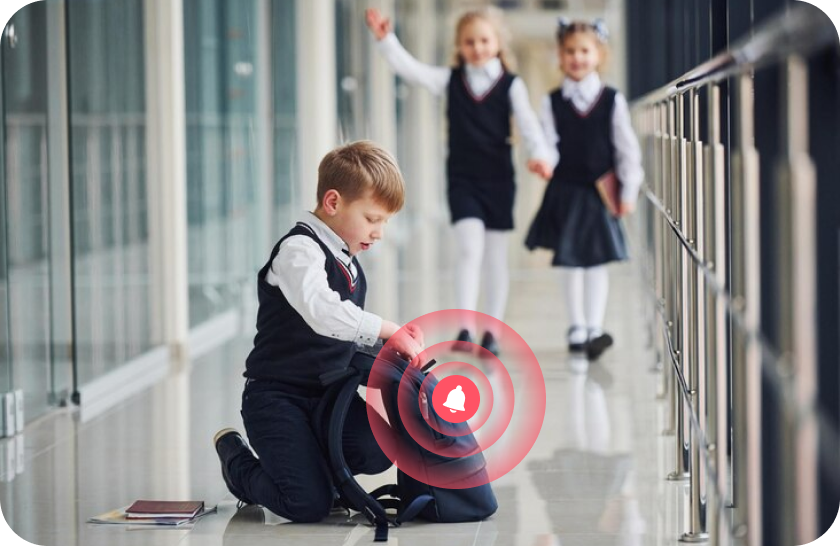
Jika Anak Kehilangan Ponsel
Lacak lokasi ponsel anak dengan mudah menggunakan sinyal keras, baik di rumah, di sekolah, maupun di luar ruangan.
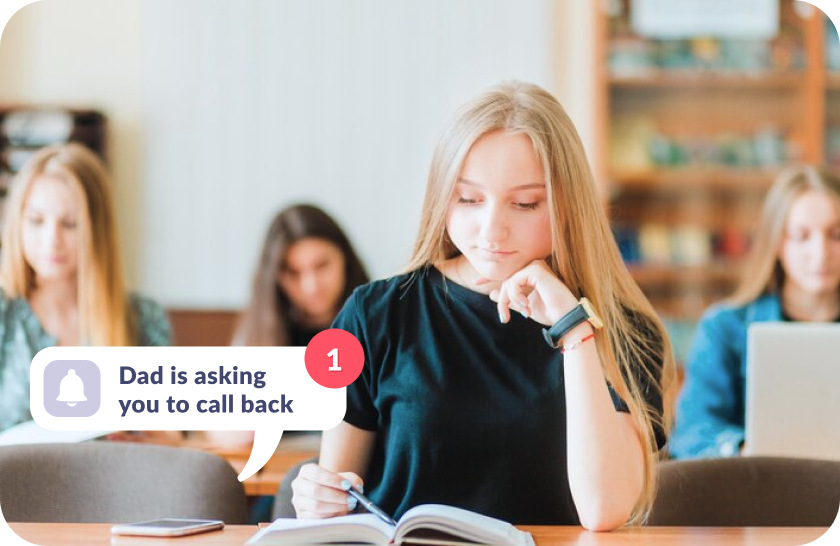
Jika Anak Tidak Mendengar Telepon Anda
Panggil anak dengan nada dering yang perlahan-lahan makin keras hingga volume maksimum.

Anak Tidak Merasa Stres
Suara sinyal yang perlahan-lahan makin keras terdengar seperti nada dering dan dapat dimatikan dengan mudah jika mengganggu belajar.
Atur Internet yang Aman Hanya dalam 5 Menit
Pengaturan mudah dan tampilan yang ramah pengguna. Akses semua fitur aplikasi hanya dengan sekali ketuk!

Unduh aplikasi Kids360 di ponsel Anda


Instal aplikasi Alli360 di ponsel anak
Berikan kasih sayang kepada anak setiap saat

Pendapat Orang Tua







Instal kontrol orang tua pertama yang disukai anak-anak!
Unduh Kids3606 148 265 orang tua telah mengunduh Kids360
Pertanyaan Umum

With the Kids360 app, you can use the “Loud Signal” feature to make your child’s phone ring loudly, even if it’s set to silent. This feature is ideal when you need to reach your child urgently or want to ensure they hear the notification. Simply open Kids360, select the “Loud Signal” option, and their phone will play a loud sound to grab their attention.
Kids360 offers a convenient solution with its “Loud Signal” feature, which allows you to make your child’s phone ring loudly even when it’s on silent mode. This feature is especially useful if your child has missed your calls or if you need to contact them in a situation where they might not hear their phone otherwise. Just activate the “Loud Signal” in Kids360, and the phone will sound, overriding the silent mode.
The frequency of calls is a personal choice and may depend on each family’s needs. Kids360, however, provides helpful features that allow you to check your child’s activity and ensure their safety without frequent calls. Features like location tracking and app usage monitoring mean that parents can stay informed without needing to call constantly. For urgent situations, you can always use the “Loud Signal” feature to reach your child immediately.
With Kids360, you can “ping” your child’s phone using the “Loud Signal” feature. This sends a loud sound to their device, even if it’s on silent, helping you get their attention when needed. Open the Kids360 app, select the “Loud Signal,” and the phone will emit a loud tone, ensuring your child notices the alert.
Kids360’s “Loud Signal” feature is designed to send a loud alert to your child’s phone when you need to reach them urgently. By activating this feature in Kids360, you can make their phone ring loudly, even if it’s on silent mode. This is particularly useful in scenarios where a regular call might go unnoticed.