
Segnale acustico
Tuo figlio sentirà il telefono anche se è in modalità silenziosa. Restate sempre in contatto
Provala gratis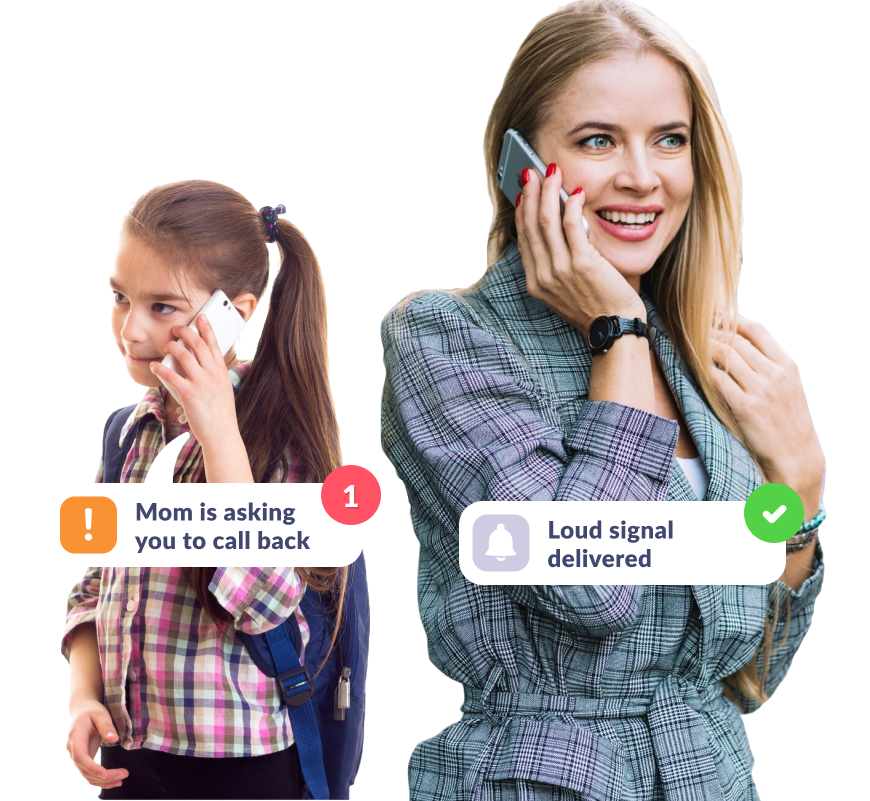
Fai in modo che tuo figlio senta il cellulareFai in modo che tuo figlio senta il cellulare
Se se lo dimentica in modalità silenziosa
Il segnale acustico che invii raggiungerà tuo figlio anche se ha il telefono silenzioso
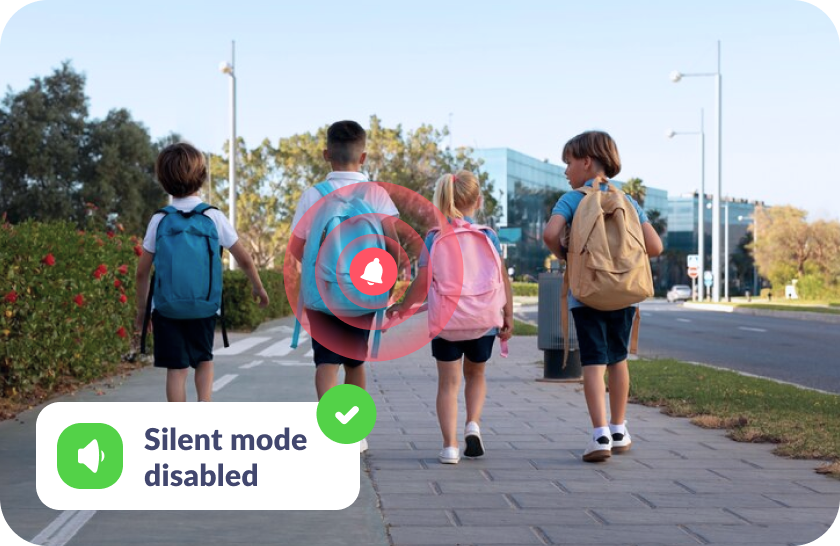
Se non sa dove lo ha messo
Localizza facilmente il suo telefono con un segnale acustico – a casa, a scuola o all’aperto
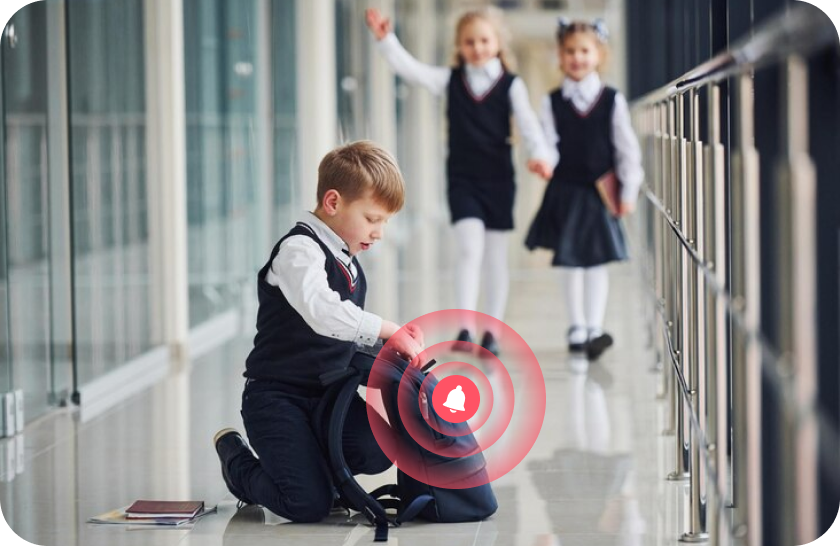
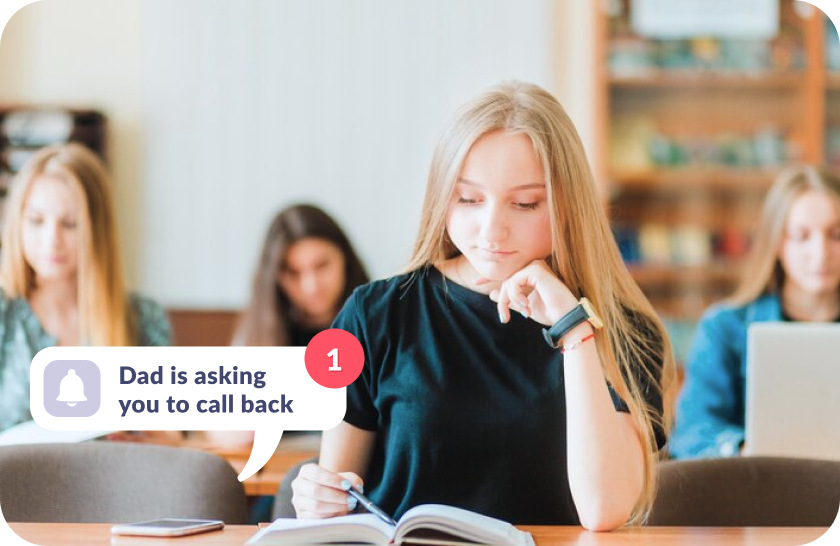
Se non sente le tue telefonate
Attira la sua intenzione aumentando gradualmente il volume della suoneria
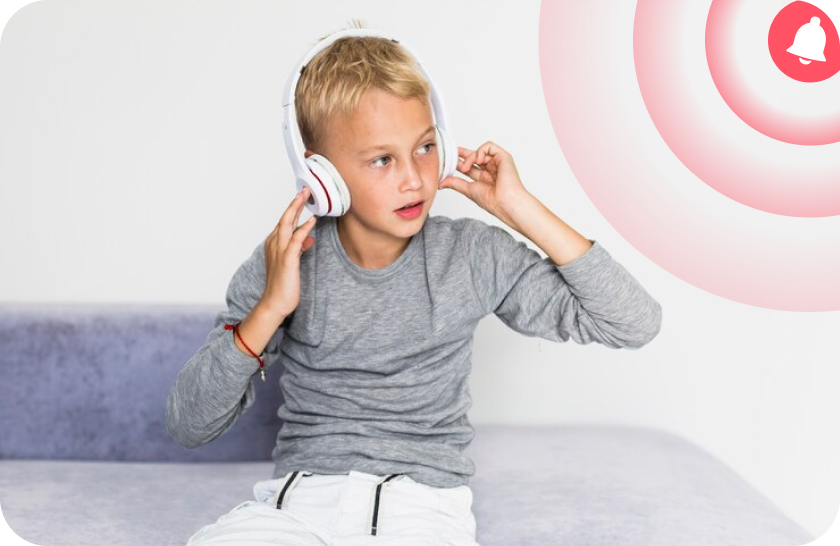
Niente stress per tuo figlio
Il segnale diventa gradualmente più forte, suonando come una normale suoneria, e può essere facilmente disattivato se lo disturba durante una lezione
Imposta il Segnale acustico in soli 5 minuti
Impostazione facile e interfaccia intuitiva. Accedi a qualsiasi funzione dell’app con 1 solo tocco!

Scarica l’app Kids360 sul tuo cellulare


Installa l’app Alli360 sul telefono di tuo figlio
Circonda di cure tuo figlio

Cosa dicono i genitori







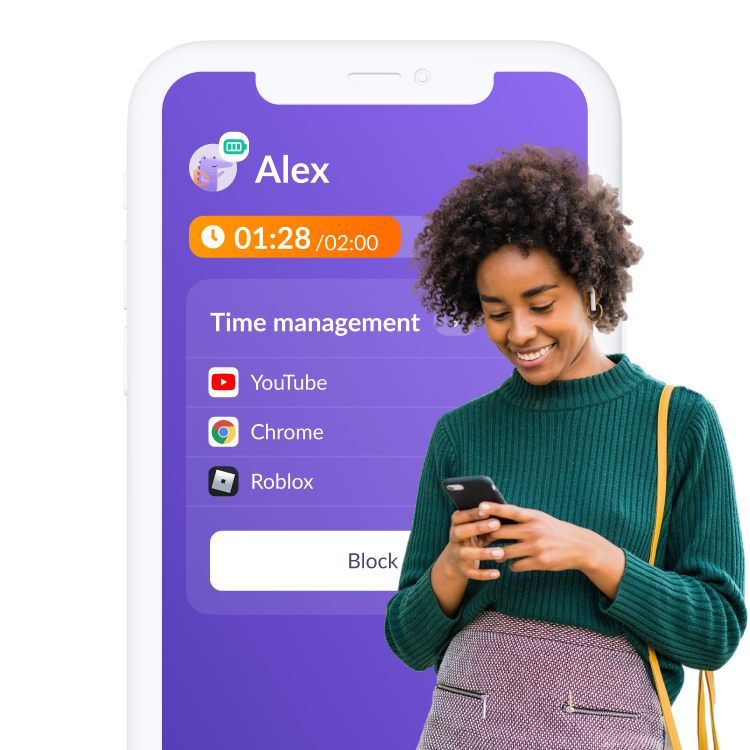
Installa la prima app di controllo dei genitori che piace ai ragazzi!
Scarica Kids3606 150 230 genitori hanno già scaricato Kids360
Domande frequenti

With the Kids360 app, you can use the “Loud Signal” feature to make your child’s phone ring loudly, even if it’s set to silent. This feature is ideal when you need to reach your child urgently or want to ensure they hear the notification. Simply open Kids360, select the “Loud Signal” option, and their phone will play a loud sound to grab their attention.
Kids360 offers a convenient solution with its “Loud Signal” feature, which allows you to make your child’s phone ring loudly even when it’s on silent mode. This feature is especially useful if your child has missed your calls or if you need to contact them in a situation where they might not hear their phone otherwise. Just activate the “Loud Signal” in Kids360, and the phone will sound, overriding the silent mode.
The frequency of calls is a personal choice and may depend on each family’s needs. Kids360, however, provides helpful features that allow you to check your child’s activity and ensure their safety without frequent calls. Features like location tracking and app usage monitoring mean that parents can stay informed without needing to call constantly. For urgent situations, you can always use the “Loud Signal” feature to reach your child immediately.
With Kids360, you can “ping” your child’s phone using the “Loud Signal” feature. This sends a loud sound to their device, even if it’s on silent, helping you get their attention when needed. Open the Kids360 app, select the “Loud Signal,” and the phone will emit a loud tone, ensuring your child notices the alert.
Kids360’s “Loud Signal” feature is designed to send a loud alert to your child’s phone when you need to reach them urgently. By activating this feature in Kids360, you can make their phone ring loudly, even if it’s on silent mode. This is particularly useful in scenarios where a regular call might go unnoticed.